


How to Use AI to Proofread Without Losing Your Voice
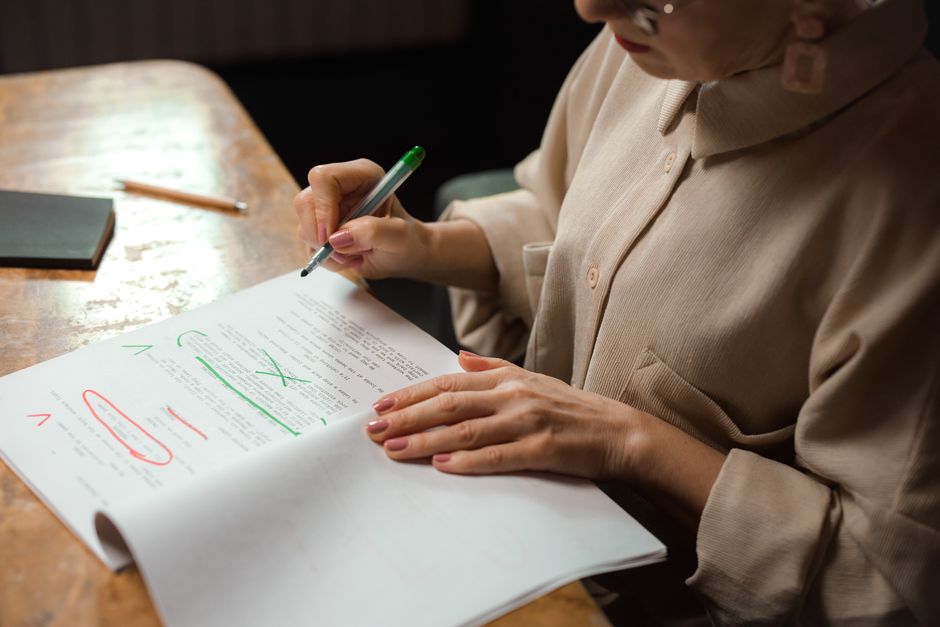
You wrote something good. The ideas are clear in your head, the message matters, and you want it polished before it goes out. So you paste it into an AI tool, ask for a cleanup, and get back text that reads like a corporate press release wrote it. Technically correct, but it no longer sounds like you.
This is the central tension of AI proofreading: the tools are genuinely great at catching errors, but left unchecked they flatten personality, add filler, and "improve" sentences that were fine the way they were. The good news is that this is fixable. With the right approach, you can fix typos, tighten clarity, and sharpen tone while keeping your natural style fully intact.
Why AI Tends to Erase Your Voice
Large language models are trained to produce writing that sounds average, safe, and widely acceptable. When you ask a model to "make this better," it pulls your words toward that statistical middle. Short, punchy sentences get padded. Casual phrasing becomes formal. Distinctive word choices get swapped for common ones.
None of that is bad by default, but it is a problem when your voice is part of your value. A small-business owner's warmth, a student's authentic argument, a consultant's direct tone: those are worth protecting. The fix is not to avoid AI, but to control what you ask it to do.
Separate Proofreading From Rewriting
The single most important habit is knowing the difference between two jobs:
Proofreading and light editing
This means fixing spelling, grammar, punctuation, and obvious clarity issues without changing your meaning or style. It is low-risk and preserves your voice.
Rewriting
This means restructuring sentences, changing word choices, and adjusting tone. It is powerful but risky, because it is where your voice gets diluted.
Most people accidentally ask for a rewrite when they only wanted a proofread. Be explicit about which one you want, every time.
Prompts That Protect Your Voice
Vague prompts produce generic results. Specific prompts keep you in the driver's seat. Try these:
For a pure proofread: "Proofread the text below. Fix only spelling, grammar, and punctuation. Do not change my word choices, sentence structure, or tone. If a sentence is unclear, flag it in a note instead of rewriting it."
For clarity without tone changes: "Point out any sentences that are confusing or run-on. Suggest a clearer version for each, but keep my casual, conversational style. Show me the original and your suggestion side by side."
For tone tuning: "This email should sound friendly but professional. Tell me which sentences sound too stiff or too casual, and suggest small adjustments. Do not rewrite the whole thing."
Notice the pattern: you tell the AI what to touch, what to leave alone, and how to present its suggestions. Asking for flags and side-by-side comparisons instead of a full rewrite keeps you in control of every change.
Feed the AI a Sample of Your Voice
If you do want heavier editing, give the model something to imitate. Paste two or three paragraphs of your own writing that you love and say: "Match the voice in this sample when you edit. Keep the same rhythm and level of formality." This anchors the AI to your style rather than its default one.
You can also describe your voice in plain words: "I write in short sentences. I avoid jargon. I use contractions and the occasional dry joke." A few descriptors like these dramatically improve results.
A Practical Step-by-Step Workflow
Here is a reliable process you can use for anything from an email to a blog post:
1. Draft first, edit later
Write your full draft before touching any AI. Getting your raw voice on the page first means you have something authentic to protect. Editing a blank page with AI is how you end up sounding like a robot.
2. Run a proofread-only pass
Use the strict proofreading prompt above. Accept the mechanical fixes: typos, missing commas, subject-verb agreement. These rarely threaten your voice.
3. Ask for clarity flags, not rewrites
Have the AI identify unclear or overly long sentences and explain why they are confusing. Then you decide how to fix them, in your own words. This keeps the thinking yours.
4. Review every suggested change
Never accept edits in bulk. Read each one and ask: does this still sound like me? If a "correction" strips out a phrase you like, keep your version. Correctness and personality can coexist.
5. Read it aloud
This is the oldest editing trick and still the best. If a sentence sounds like something you would actually say, it passed. If it sounds like a form letter, revert it.
What AI Should and Shouldn't Touch
Let AI handle: spelling, punctuation, grammar, doubled words, inconsistent tense, and genuinely confusing sentences.
Guard closely: your opening lines, humor, personal anecdotes, industry-specific phrasing your audience expects, and any sentence that carries emotion. These are where voice lives.
Verify, Don't Trust Blindly
AI proofreaders sometimes "correct" things that were already right, or introduce subtle errors, especially with names, numbers, and specialized terms. Treat every suggestion as a proposal, not a command. If the tool changes a fact, a figure, or a technical term, double-check it against your source. You are still the editor of record.
Tone and Audience: Small Adjustments Go a Long Way
Tone is not one-size-fits-all. A cover letter, a customer apology, and a casual newsletter each need a different register. Instead of asking AI to make text "more professional," describe the specific effect you want: "warm but confident," "direct and reassuring," "enthusiastic without hype." Then apply changes selectively rather than across the board. The goal is to nudge tone, not overwrite it.
Build the Skill, Not Just the Habit
The professionals who get the most from AI proofreading are the ones who understand editing principles themselves. When you know what makes a sentence clear, you can judge whether the AI's suggestion actually helps. The tool amplifies your judgment; it cannot replace it. Over time, you will find you accept fewer suggestions and write cleaner first drafts, because the feedback teaches you to spot your own patterns.
Used this way, AI becomes a fast, tireless proofreading partner rather than a voice-flattening machine. You keep the quirks and warmth that make people trust your writing, and you lose the typos that make it look careless. That is the whole point: cleaner text that still, unmistakably, sounds like you.
Ready to build real AI skills? Join the September 2026 cohort at Class For Jobs. Explore AI for Everyday Use — a practical, no-code course to get more done with AI every day, live and instructor-led with career support, resume help, and job-placement assistance.
Related reading






