


Grammarly vs ChatGPT for Writing: Which to Pick?
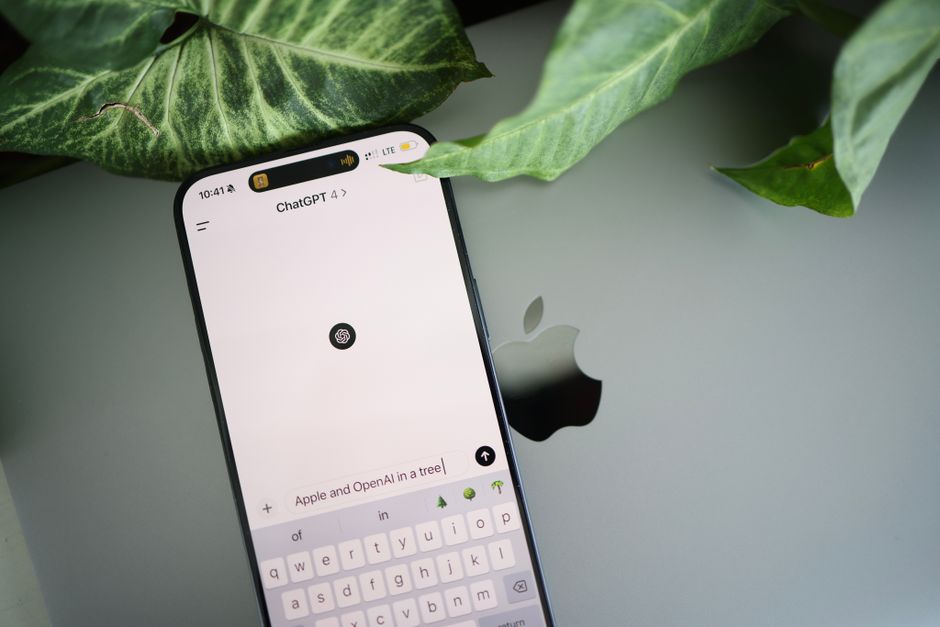
If you write emails, reports, essays, or marketing copy, you have probably wondered whether to lean on Grammarly or ChatGPT. They sound similar, but they solve different problems. Grammarly is built to polish writing you already have. ChatGPT is built to generate, restructure, and brainstorm. Understanding that distinction is the key to picking the right tool — or, more often, using both together.
The Core Difference: Editing vs Drafting
Think of these tools as two roles on a writing team.
Grammarly is your editor. It reads text you supply and flags grammar, spelling, punctuation, clarity, and tone issues. It works quietly in the background across your browser, email client, and word processor, underlining problems as you type. Its suggestions are targeted and conservative — it rarely rewrites your whole message from scratch.
ChatGPT is your ghostwriter and thinking partner. You describe what you need, and it produces a draft, an outline, several subject-line options, or a rewritten paragraph in a different tone. It can generate ideas from nothing, which Grammarly cannot do.
The simplest rule: if you already have words on the page and want them cleaner, reach for Grammarly. If you are staring at a blank page or need to change the substance, reach for ChatGPT.
Where Grammarly Wins
Real-time, in-context corrections
Grammarly lives inside the apps you already use. As you type an email or a document, it catches mistakes without you copying text anywhere. That friction-free workflow is its biggest advantage for daily writing.
Consistency and accuracy on mechanics
For grammar, comma placement, subject-verb agreement, and spelling, Grammarly is reliable and predictable. It explains why something is flagged, which helps you learn the rule rather than just accept a fix.
Tone and brand controls
Grammarly can detect the tone of your writing (formal, friendly, confident) and warn you when it misses the mark for the audience. For teams, its premium and business tiers let you set style guidelines so everyone writes consistently.
Lower risk of unwanted rewrites
Because Grammarly nudges rather than replaces, your voice stays intact. That matters when the message is already personal or legally sensitive and you only want a light polish.
Where ChatGPT Wins
Generating a first draft
The hardest part of writing is often starting. ChatGPT turns a rough prompt into a structured draft in seconds. Give it your bullet points and it produces coherent paragraphs you can refine.
Restructuring and summarizing
ChatGPT can condense a three-page report into a five-sentence summary, expand a terse note into a full email, or reorganize a rambling document into logical sections. Grammarly does not do this kind of heavy lifting.
Adapting to any format or audience
Ask ChatGPT to rewrite the same content as a LinkedIn post, a formal proposal, and a casual customer reply, and it will produce all three. It is a flexible chameleon that adjusts substance, not just surface.
Brainstorming and research support
Need ten headline ideas, an outline for a presentation, or counterarguments for an essay? ChatGPT excels at ideation. Just remember to verify any facts, names, or statistics it produces — AI models can state confident but incorrect information.
The Smartest Approach: Use Both
These tools are complementary, not competing. A practical workflow looks like this:
Step 1 — Draft with ChatGPT. Describe your goal, audience, and key points. Let it produce a first version quickly so you are not fighting a blank page.
Step 2 — Edit the substance yourself. Read the draft critically. Cut anything inaccurate, add your genuine details, and make sure it sounds like you. This step keeps your voice authentic and catches AI errors.
Step 3 — Polish with Grammarly. Run the final text through Grammarly to catch mechanical mistakes and tighten clarity. This is where your writing goes from good to professional.
This draft-refine-polish loop combines ChatGPT's creativity with Grammarly's precision, and it is far faster than doing everything manually.
Choosing Based on Your Role
For students
Use ChatGPT to brainstorm essay topics, build outlines, and understand tricky concepts. Use Grammarly to proofread the final paper. Be careful to follow your school's academic-integrity rules — AI should help you learn and edit, not write submissions for you.
For professionals
ChatGPT is excellent for drafting emails, meeting summaries, and reports quickly. Grammarly ensures those communications are error-free and on-tone before they reach clients or executives. Together they save meaningful time each week.
For small-business owners
Use ChatGPT to generate product descriptions, social posts, and customer replies at scale. Use Grammarly to maintain a consistent, professional voice across your website, emails, and marketing. This keeps your brand polished without hiring a full-time writer.
Cost and Practical Considerations
Both offer free tiers that cover a lot of everyday needs. Grammarly's free version handles core grammar and spelling; its paid plans add advanced clarity, tone, and team features. ChatGPT's free tier gives you generous drafting and brainstorming power, while paid plans unlock more capable models and higher usage limits. For many users, the free versions of both, used together, are enough to see a real difference.
A few cautions worth keeping in mind:
Privacy: Avoid pasting confidential client data, passwords, or sensitive personal information into any AI tool unless you know how the data is handled.
Fact-checking: ChatGPT can produce plausible-sounding errors. Always verify names, dates, numbers, and claims before publishing.
Your voice: Over-relying on either tool can flatten your personality. Use them to support your writing, not replace your judgment.
The Bottom Line
In the debate over Grammarly vs ChatGPT for writing, there is no single winner because they were built for different jobs. Grammarly is the sharper choice when you need editing, correctness, and tone control. ChatGPT is the better choice when you need drafting, restructuring, or ideas. The professionals who get the most value treat them as a team — ChatGPT to create, your own judgment to shape, and Grammarly to perfect. Learning to move fluidly between both is quickly becoming an essential, no-code skill for anyone who writes at work.
Ready to build real AI skills? Join the September 2026 cohort at Class For Jobs. Explore AI for Everyday Use — a practical, no-code course to get more done with AI every day, live and instructor-led with career support, resume help, and job-placement assistance.
Related reading






