


ChatGPT vs Claude vs Gemini: Which Is Best for You?
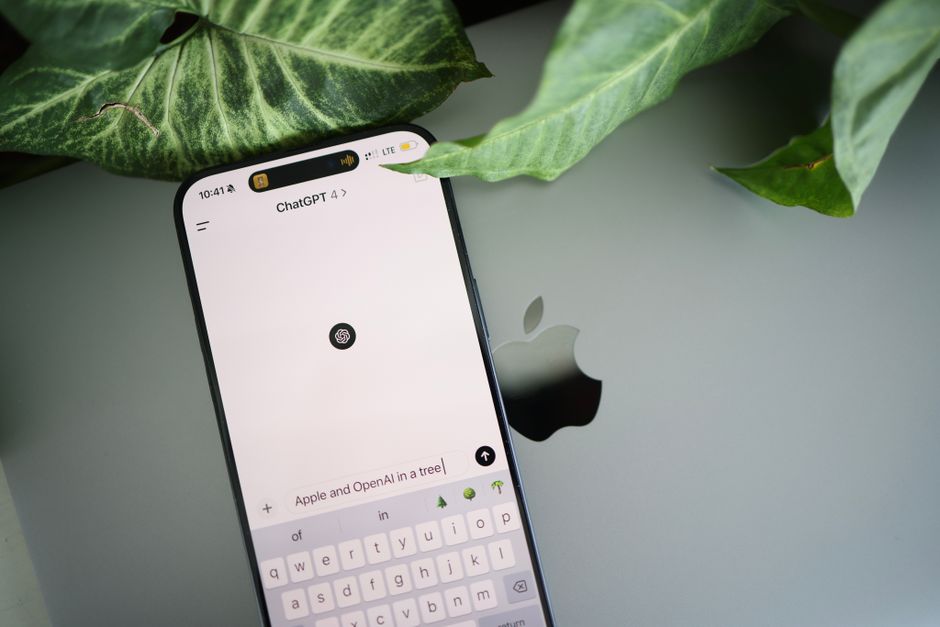
Three names dominate the everyday AI conversation: ChatGPT (from OpenAI), Claude (from Anthropic), and Gemini (from Google). If you've tried to figure out which one deserves a spot in your daily routine, you've probably hit a wall of jargon, benchmark charts, and hype. This guide skips all that. Instead, we'll look at what each tool actually feels like to use and which one fits real situations you face as a professional, student, or small-business owner.
The Short Answer
All three are excellent general-purpose assistants. You genuinely can't make a terrible choice. But they have different personalities and strengths:
- ChatGPT is the most versatile all-rounder and has the largest ecosystem of extras.
- Claude is the best writer and reasoning partner, with a natural, thoughtful tone.
- Gemini is deeply tied into Google's world—Search, Gmail, Docs, and YouTube.
Keep reading to see which fits your specific needs.
ChatGPT: The Swiss Army Knife
ChatGPT is the tool most people mean when they say "AI." It's fast, capable, and has the widest range of built-in features.
What it does well
Image generation is built right in, so you can ask for a logo concept or social-media graphic in the same chat. It can analyze photos and documents you upload, browse the web for current information, and even talk to you out loud in a natural voice. There's also a large library of "GPTs"—mini custom assistants built for specific tasks like resume editing or meal planning.
Best for
People who want one tool that does a bit of everything: brainstorming, drafting emails, making images, crunching a spreadsheet, and answering random questions. If you're not sure where to start, ChatGPT is the safest first pick.
Keep in mind
Its writing can sometimes feel generic or overly formal unless you guide it. The free version is capable, but the most advanced features live behind a paid plan.
Claude: The Thoughtful Writer
Claude is quietly the favorite among people who write for a living or think through complex problems. It tends to produce prose that sounds more human and less robotic straight out of the box.
What it does well
Claude excels at long-form writing, editing, and nuanced reasoning. Give it a messy draft and it will tighten it while keeping your voice. It handles large documents gracefully—you can paste in a lengthy report or contract and ask focused questions. It's also known for being careful and honest, often flagging when it's unsure rather than confidently guessing.
A standout feature is Artifacts, where Claude opens a side panel to build documents, tables, or simple web pages you can preview and refine in real time.
Best for
Writers, marketers, consultants, and students working on essays, proposals, or research. If quality of writing and clear thinking matter most to you, Claude is hard to beat.
Keep in mind
Claude has fewer bells and whistles. It can generate text-based visuals and code, but it isn't your go-to for creating images or browsing the live web as smoothly as the others.
Gemini: The Google Native
If your work life already runs on Google—Gmail, Docs, Sheets, Calendar, and YouTube—Gemini has a home-field advantage.
What it does well
Gemini integrates directly into Google Workspace, so it can help draft an email inside Gmail or summarize a document in Docs. It pulls in current information from Google Search, making it strong for questions about recent events. It handles images, long documents, and even audio and video well, and it can summarize long YouTube videos in seconds.
Best for
Anyone deeply embedded in Google's tools, or those who frequently need up-to-date, real-world information. Students and small-business owners who live in Gmail and Docs will find it convenient.
Keep in mind
The experience can vary depending on which Google products you use and where you're located, since some features roll out gradually. Its writing quality is solid but often lands between ChatGPT and Claude.
A Quick Side-by-Side
Best writing and editing: Claude.
Best all-around toolkit: ChatGPT.
Best for Google users and current info: Gemini.
Best image creation: ChatGPT.
Best for reading long documents: Claude or Gemini.
Best free experience: All three offer capable free tiers—try them before paying.
How to Choose Based on What You Actually Do
If you're a busy professional
Pick ChatGPT for versatility, or Gemini if your inbox and calendar live in Google. Both save time on emails, summaries, and meeting prep.
If you're a student
Claude shines for essays, study guides, and understanding difficult concepts explained in plain language. Gemini is handy for research and summarizing lectures or videos. Always use these as thinking partners, not to replace your own work.
If you're a small-business owner
ChatGPT covers the most ground: marketing copy, product images, customer-email templates, and simple data analysis in one place. If you produce a lot of written content, add Claude for polish.
You Don't Have to Marry One
Here's a secret most power users know: the smartest approach is often using more than one. Many people draft in ChatGPT, refine the wording in Claude, and fact-check current details in Gemini. Since all three have free versions, you can keep tabs open and route each task to the tool that does it best.
Getting Started the Right Way
Whichever you choose, your results depend far more on how you ask than which tool you use. A few habits make a big difference:
- Be specific. Instead of "write a marketing email," say who it's for, the tone you want, and the goal.
- Give context. Paste in examples, background, or your rough notes so the AI understands your situation.
- Iterate. Treat the first answer as a draft. Ask for changes until it's right.
- Verify important facts. All three can make mistakes, so double-check numbers, dates, and claims before you rely on them.
Start with the tool that matches your biggest daily need, spend a week using it for real tasks, and you'll quickly develop an instinct for what it's great at—and when it's worth opening one of the others.
Ready to build real AI skills? Join the September 2026 cohort at Class For Jobs. Explore AI for Everyday Use — a practical, no-code course to get more done with AI every day, live and instructor-led with career support, resume help, and job-placement assistance.
Related reading






