


AI for Inbox Zero: Sort, Summarize, and Reply Fast
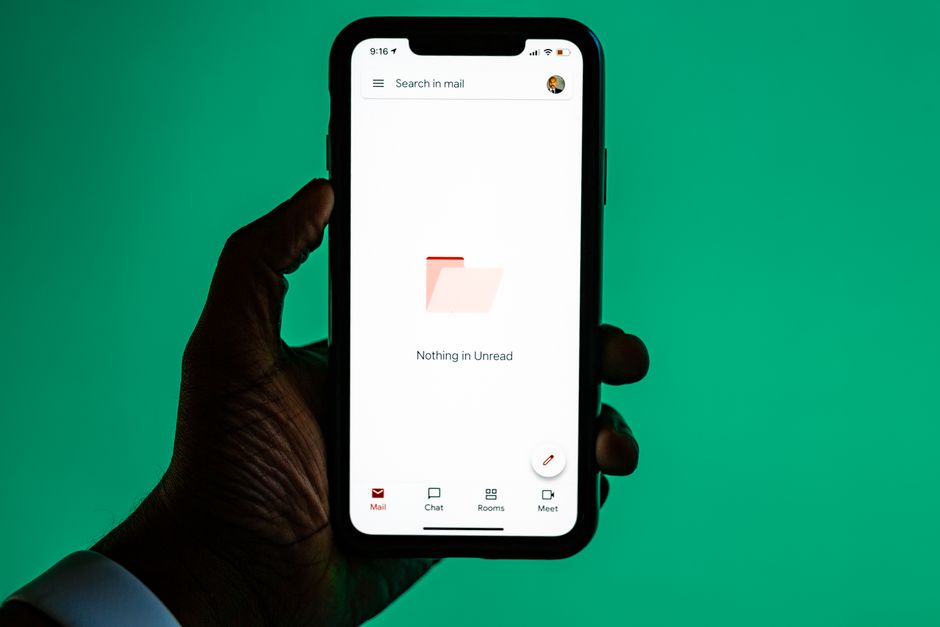
If opening your email feels like drinking from a fire hose, you are not alone. The average professional spends hours each week reading, sorting, and replying to messages — time that rarely feels well spent. The good news in 2026 is that AI inbox management tools have matured to the point where you can realistically reach (and stay at) inbox zero without missing what actually matters.
This guide is written for people with no coding background: professionals, students, and small-business owners who just want a calmer, faster inbox. Here is exactly how to use AI to triage, summarize, and respond.
What "AI inbox management" actually means
AI inbox management is the practice of letting artificial intelligence handle the repetitive parts of email so you can focus on decisions. In practice, that breaks into three jobs:
- Sort: automatically categorizing and prioritizing incoming mail.
- Summarize: condensing long threads and attachments into a few readable lines.
- Reply: drafting responses you can approve, edit, or send.
The tools that do this now live in two places: built directly into email platforms (Gmail's Gemini features and Outlook's Copilot), and standalone assistants that layer on top of your existing inbox. You do not need to build anything — most of this is point-and-click.
Step 1: Sort your inbox so priority mail rises to the top
Sorting is where AI saves the most time, because it decides what deserves your attention before you even look.
Use AI-powered categories
Modern email clients can automatically bucket messages into groups like updates, promotions, receipts, and personal mail. Turn these on first. They are not perfect, but they immediately pull marketing noise out of your main view.
Create priority rules in plain language
The biggest 2026 upgrade is that you can now describe rules conversationally instead of building rigid filters. For example, you might tell your assistant: "Flag anything from a client, a message that mentions an invoice, or an email where someone asks me a direct question." The AI interprets intent rather than matching exact keywords, so it catches a client asking "can you confirm by Friday?" even without a trigger word.
Batch the rest
Let AI hold low-priority mail for a scheduled digest — once or twice a day — rather than pinging you constantly. Fewer interruptions mean deeper focus, and nothing important is lost because your priority rules already surfaced it.
Step 2: Summarize long threads in seconds
Nothing eats time like a 30-message reply-all chain you were just added to. AI summarization turns that into a quick brief.
Most assistants can now produce a summary that answers three questions: What is this about? What was decided? What do I need to do? Look for a "summarize" button on the thread, or simply ask, "Summarize this thread and list any action items assigned to me."
A few practical tips:
- Ask for action items specifically. A generic summary is nice, but "what do I owe and by when" is what actually clears your inbox.
- Summarize attachments too. Many tools read PDFs and documents, so you can ask, "What are the key points in the attached contract?" before opening it.
- Verify anything high-stakes. AI summaries are strong but not infallible. For legal, financial, or commitment-heavy emails, skim the original to confirm.
Step 3: Reply fast with AI drafts
Drafting is where you reclaim the most minutes per email. Instead of staring at a blank reply, you start from a solid first draft.
Give the AI a short instruction
You do not need a long prompt. Try patterns like:
- "Reply politely declining, and suggest next quarter instead."
- "Confirm the meeting for Thursday at 2 and ask for the agenda."
- "Write a friendly follow-up since I haven't heard back in a week."
The assistant uses the thread as context, so it already knows names, dates, and the topic.
Set your tone once
Many tools let you choose a default voice — professional, warm, concise — or learn from your past emails. Small-business owners especially benefit here, because a consistent tone protects your brand across customer replies.
Always review before sending
Treat every AI draft as a first draft, never a final one. Check names, numbers, dates, and any promise the email makes on your behalf. The goal is to cut writing time by 70–80%, not to send unread text.
A simple daily routine for inbox zero
Tools only help if you have a rhythm. Here is a repeatable 20-minute routine:
- Scan priority first. Open your AI-flagged priority view and handle those messages before anything else.
- Summarize the long ones. For any thread over a few messages, generate a summary and act on the action items.
- Draft and send in batches. Knock out replies using AI drafts, editing each before sending.
- Sweep the digest. Skim the low-priority digest, archive the noise, and rescue anything the AI misjudged.
- Retrain as you go. When the AI mislabels something, correct it. These tools improve quickly from your feedback.
Protecting privacy and accuracy
Because AI reads your email to be useful, treat privacy seriously. A few ground rules:
- Check your provider's data policy. Reputable business tools state whether your content is used for training. Choose ones that keep your data private.
- Be careful with sensitive data. For confidential client, medical, or financial threads, confirm your tool meets your organization's security requirements before summarizing them.
- Watch for AI "confidence." A summary that sounds certain can still miss nuance. When stakes are high, read the source.
Common mistakes to avoid
As you adopt AI inbox management, sidestep these traps:
- Over-automating replies. Auto-sending AI responses invites embarrassing errors. Keep a human in the loop.
- Ignoring the digest entirely. Priority sorting is not flawless in the first weeks; skim your low-priority folder until you trust it.
- Vague instructions. "Reply nicely" gives weak drafts. A one-line goal — decline, confirm, ask, follow up — produces far better results.
Why this skill matters in 2026
Email is not going away, but the way we handle it has fundamentally changed. Knowing how to direct AI tools — writing clear instructions, verifying output, and building smart workflows — is now a core professional skill, not a novelty. The professionals who thrive are not the ones who read every message; they are the ones who let AI surface the few that need a human, and answer those well.
Start small. Turn on AI categories today, summarize one long thread, and draft one reply. Within a week, the habit compounds, and inbox zero stops feeling like a fantasy and starts feeling like Tuesday.
Ready to build real AI skills? Join the September 2026 cohort at Class For Jobs. Explore AI for Everyday Use — a practical, no-code course to get more done with AI every day, live and instructor-led with career support, resume help, and job-placement assistance.






