


7 AI Tools to Save an Hour Every Workday in 2026
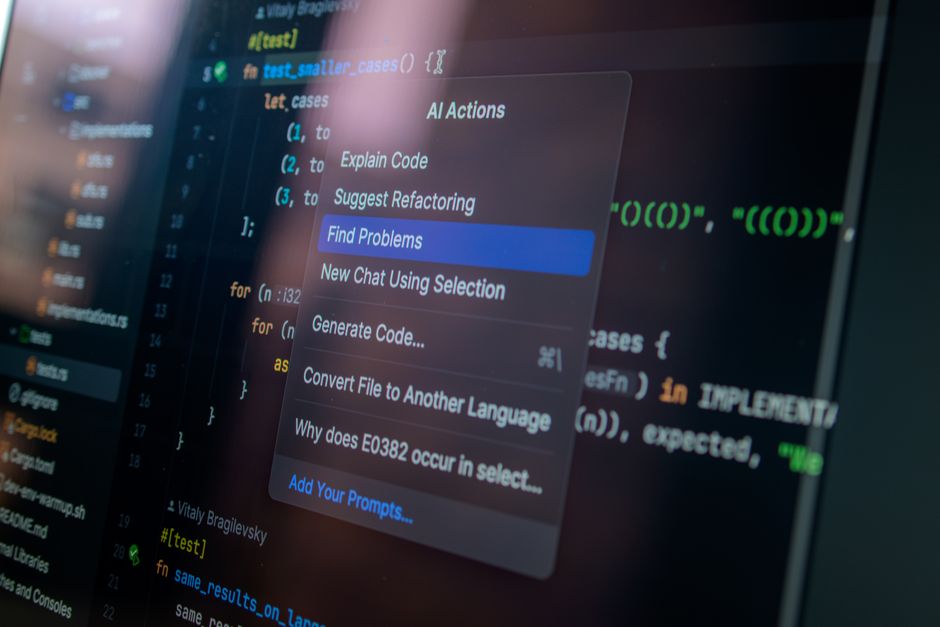
Most of us don't lose our workday to big, dramatic projects. We lose it to the small stuff: rewriting the same email, hunting through folders for a file, formatting meeting notes, and copying data from one app to another. Individually these tasks feel trivial. Added up, they can swallow an hour or more every single day.
The good news is that AI productivity tools have matured to the point where you no longer need to code to automate them. Below are seven no-code tools that professionals, students, and small-business owners are using to claw back time in 2026 — with concrete examples of what to hand off to each one.
1. A General AI Assistant for Drafting and Summarizing
Tools like ChatGPT, Claude, and Gemini are the workhorses of the modern desk. Their biggest time savings come not from writing entire documents but from eliminating the blank-page problem.
Where it saves time
Paste a long email thread and ask for a three-bullet summary plus a suggested reply. Drop in messy meeting notes and request a clean action-item list with owners. Turn a rough voice-to-text brain dump into a structured outline. Each of these tasks takes ten minutes by hand and about thirty seconds with a well-written prompt.
Pro tip: save your best prompts in a notes file so you're not reinventing them daily.
2. An AI Meeting Notetaker
If your calendar is stacked with calls, an automatic notetaker such as Otter.ai, Fireflies, or the built-in recap features in Zoom, Google Meet, and Microsoft Teams is one of the fastest wins available.
Where it saves time
These tools join your meeting, transcribe it, and produce a summary with decisions and follow-ups — so you can actually pay attention instead of scribbling. Afterward, you get a searchable record, which means no more digging through your memory to recall what was agreed two weeks ago.
Just be sure to tell participants they're being recorded; it's both good manners and, in many places, a legal requirement.
3. A No-Code Automation Builder
Platforms like Zapier, Make, and n8n connect the apps you already use and pass information between them without a single line of code. In 2026, most of these platforms include AI steps that can read, categorize, and generate content inside an automation.
Where it saves time
Build a workflow that watches your inbox for invoices, extracts the amount and due date with AI, and logs them in a spreadsheet. Or auto-save every email attachment to the right cloud folder. Or turn a filled-out form into a personalized welcome message. You set it up once in an afternoon, then it runs quietly forever.
Start with a single repetitive task you do every day — that's where the payback is clearest.
4. An AI Writing and Editing Layer
Grammarly and similar assistants now go well beyond spell-check. They rewrite for tone, tighten wordy sentences, and adjust formality on demand across your browser, email, and documents.
Where it saves time
Instead of re-reading a client email four times to make sure it sounds right, you get instant suggestions inline. For students, this speeds up polishing essays and discussion posts. For small-business owners, it keeps customer-facing messages professional without a second pair of eyes.
5. An AI-Powered Search Tool
Perplexity and comparable answer engines cut the time you spend clicking through search results. Rather than opening ten tabs, you ask a question and get a synthesized answer with citations you can verify.
Where it saves time
Research a competitor, compare software pricing, or check a technical fact in one step. Because the sources are listed, you can confirm anything important before you rely on it — which matters, since AI can still get details wrong. Treat it as a fast first draft of your research, not the final word.
6. AI Features Built Into Your Office Suite
You may be paying for powerful AI already. Microsoft 365 Copilot and Google Workspace's Gemini features live directly inside the apps where you spend your day.
Where it saves time
Ask Copilot to summarize a long Word document, generate a first-draft slide deck from a report, or write a spreadsheet formula in plain English. In Gmail and Google Docs, Gemini can draft replies and rework paragraphs on the spot. Because these tools already have access to your files, you skip the copy-paste shuffle entirely.
Before buying a separate subscription, check whether your existing plan already includes these features.
7. An AI Scheduling Assistant
The back-and-forth of finding a meeting time is a classic hour-eater. Tools like Calendly, Motion, and Reclaim.ai use AI to protect focus time and book meetings automatically.
Where it saves time
Share a booking link and let others pick from your real availability — no more "does Tuesday work?" chains. Smarter tools go further, automatically rearranging your tasks and calendar around priorities and deadlines so you always know what to work on next.
How to Actually Capture That Hour
Buying seven subscriptions won't save you a minute. The time comes from changing how you work. A few principles help:
Start with one tool. Pick the task that annoys you most and automate only that. Master it before adding another.
Measure a real task. Time yourself doing something manually, then time it with the tool. If it isn't clearly faster, drop it.
Keep a human in the loop. AI drafts; you approve. Always review anything client-facing, financial, or legal before it goes out.
Protect sensitive data. Don't paste confidential client information, passwords, or personal records into consumer AI tools. Check your organization's policy and each tool's data settings first.
The professionals getting the most from AI in 2026 aren't the ones using the flashiest tools — they're the ones who identified their most repetitive tasks and quietly handed them off. Do the same with two or three tools from this list, and that reclaimed hour a day quickly becomes a reclaimed workweek every month.
Ready to build real AI skills? Join the September 2026 cohort at Class For Jobs. Explore AI for Everyday Use — a practical, no-code course to get more done with AI every day, live and instructor-led with career support, resume help, and job-placement assistance.
Related reading






